 TrimrPix
Reduce size by up to 80%
Smaller files in many cases with the quality you see preserved. Compressing for the web
Made for Mac
Shrink image file sizes on your Mac without visible quality loss. Drag, drop, optimize, and save space. Fast, private, and fully offline.
$1.99 one-time · No subscription · macOS 15.2+
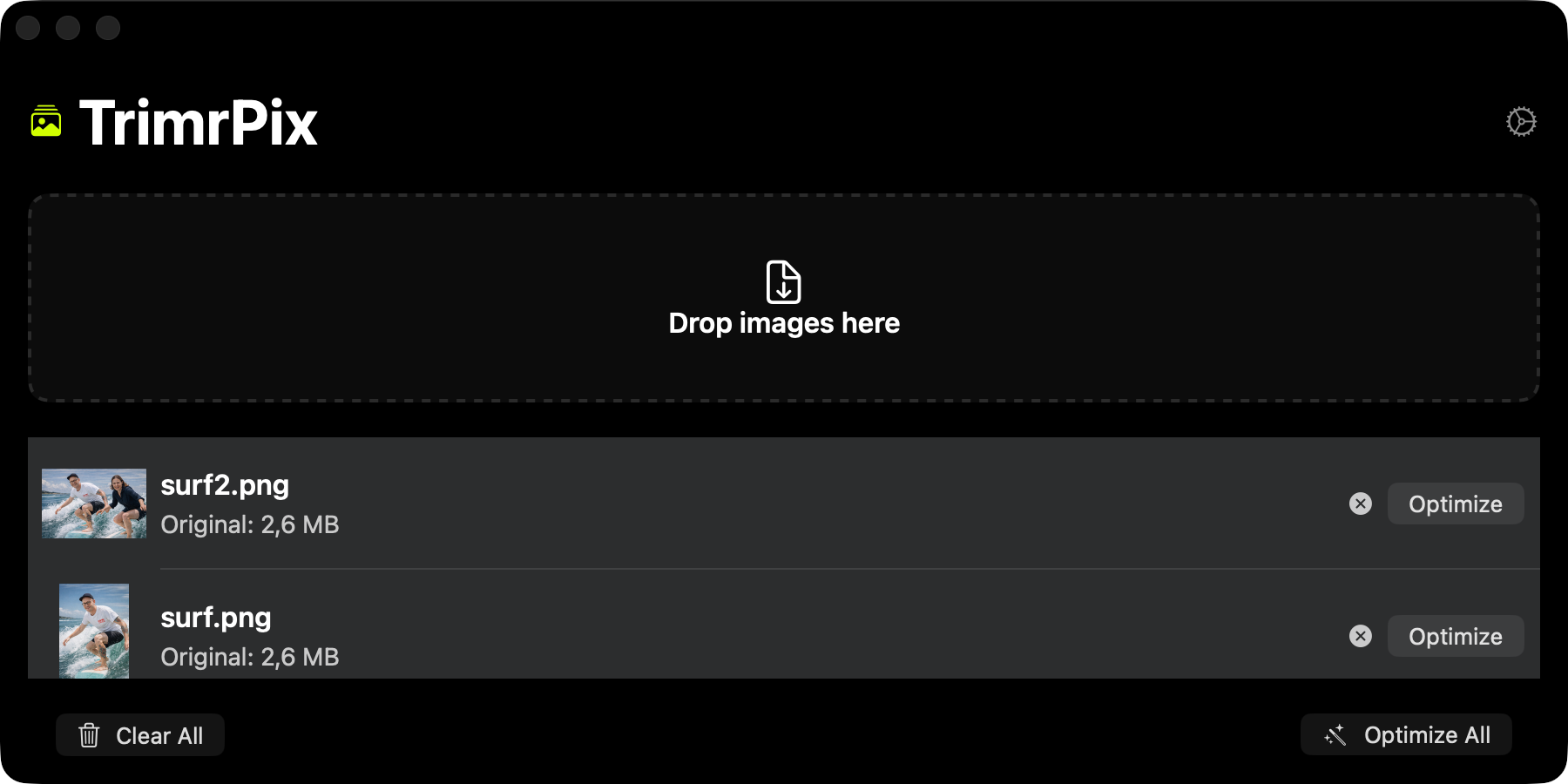
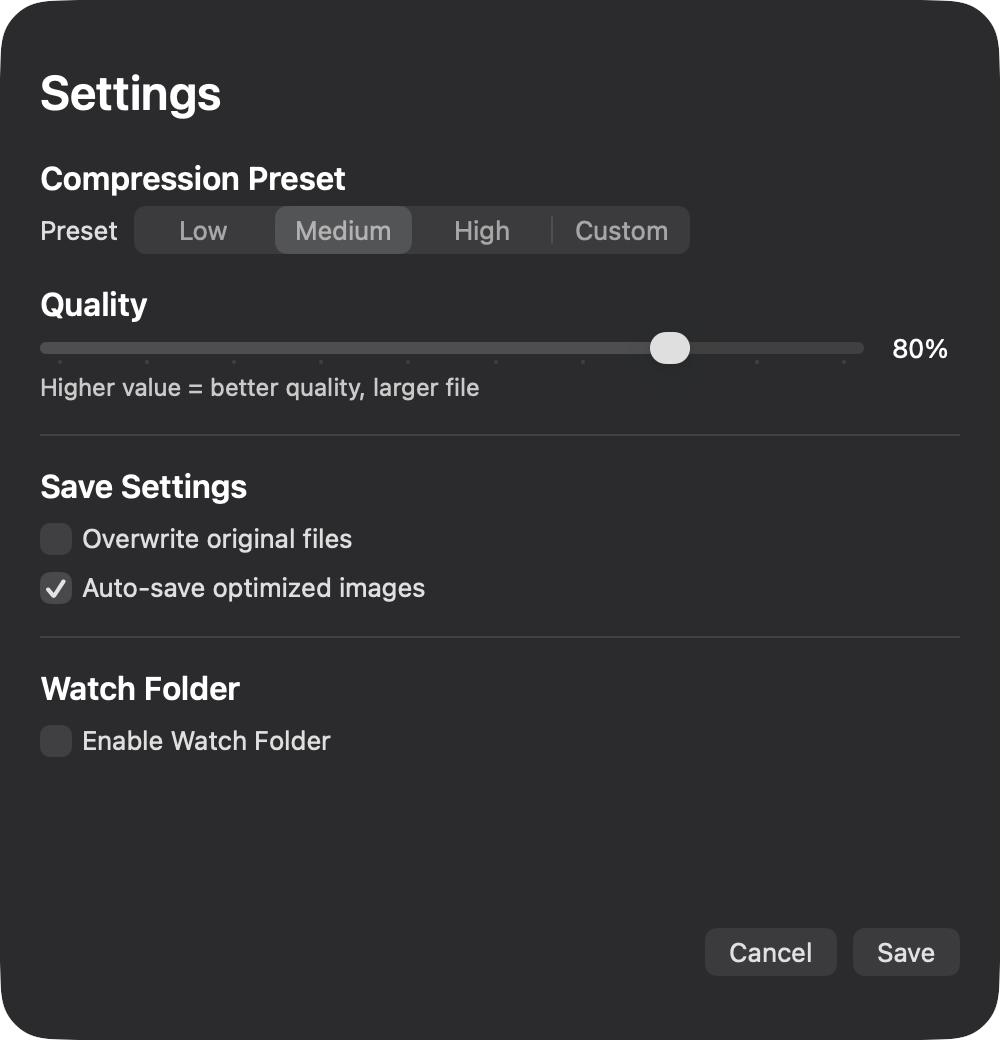
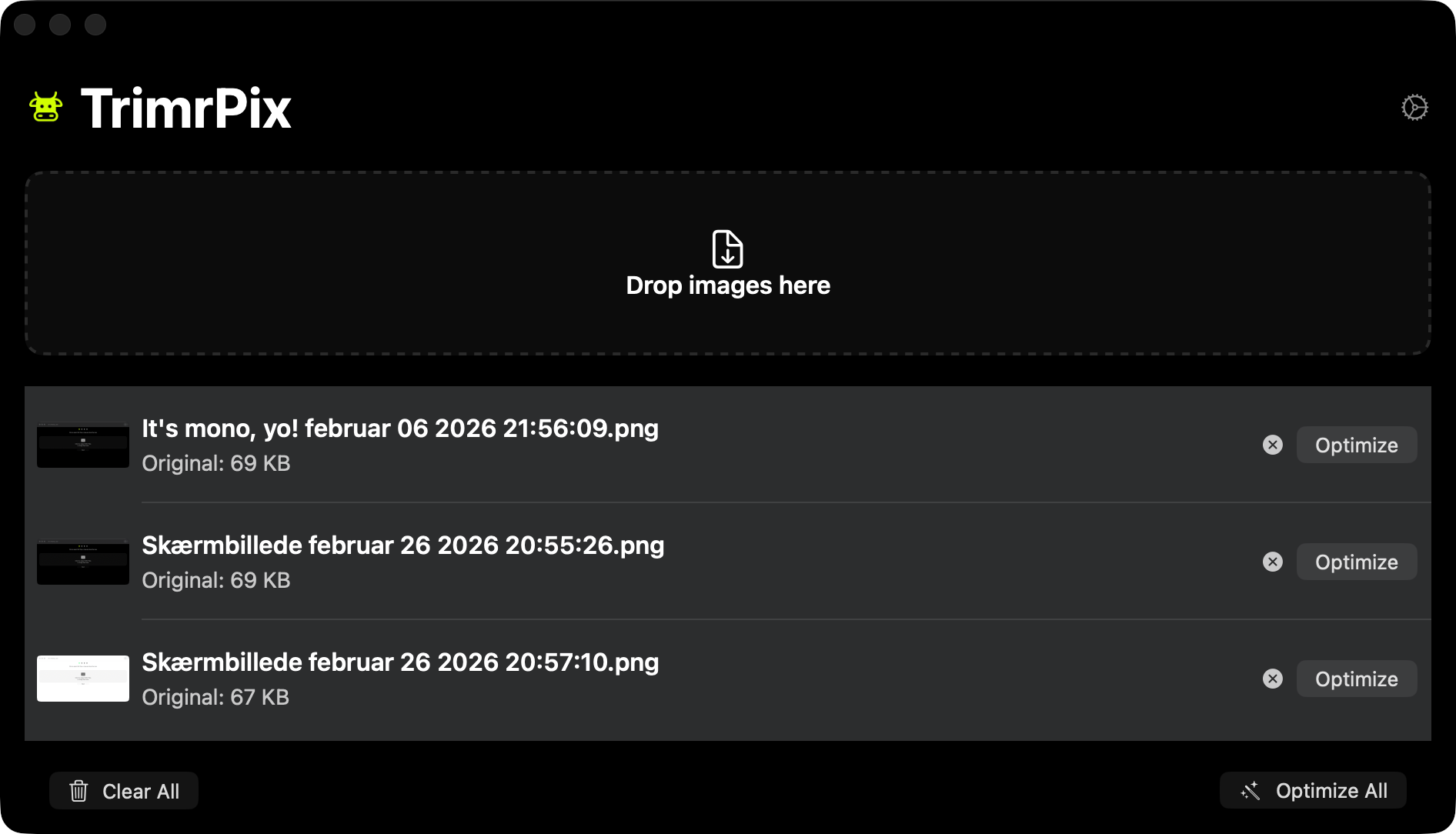
Built for Mac. Fast, private, no account required.
Smaller files in many cases with the quality you see preserved. Compressing for the web
No uploads, no cloud. Everything runs on your Mac.
One-time purchase. Download it and start, with no sign-in.
Optimize JPEG, PNG, GIF, AVIF and HEIC in one app, plus scanned PDFs. Which format should you use?
Drop hundreds of images, hit optimize, save time. How batch compression works
Point it at the folder your screenshots land in. Every new capture gets a smaller copy beside it a couple of seconds later, without you opening the app.
Get TrimrPix on the App Store for Mac
Download on the App StoremacOS 15.2 or later · $1.99
TrimrPix optimizes JPEG, PNG, GIF, AVIF and HEIC, plus scanned PDFs, from one drag-and-drop interface. It opens WebP files but cannot make them smaller, because macOS itself has no WebP encoder.
Scanned PDFs, yes. Drop one in and each page is re-encoded at your chosen quality, which typically takes about two thirds off the file size. PDFs that contain selectable text are left untouched on purpose: rasterising them would remove the text and usually make the file larger, so TrimrPix tells you rather than damaging the document.
You pick a folder and TrimrPix watches it. When a new file lands there it waits a couple of seconds for the file to finish writing, optimizes it, and saves the smaller version beside it. It watches for JPEG, PNG, GIF, AVIF, HEIC and scanned PDFs, and it ignores its own output, so a folder never optimizes itself in circles. It is off until you turn it on and choose a folder.
They are kept. TrimrPix writes the smaller version alongside the original as yourphoto-optimized.jpg, in the same folder, so you can compare the two before deciding what to keep. If you would rather it replaced the originals in place, there is an "Overwrite original files" setting, off by default.
It depends on the image and settings. Many images can be reduced by 30–80% while keeping visual quality high.
TrimrPix is a one-time purchase of $1.99 on the App Store. No subscription and no in-app purchases.
Yes. All processing happens on your Mac. Your images never leave your device.
TrimrPix requires macOS 15.2 or later.
Yes. Add as many images as you like and use batch optimization. Watch Folder can also auto-optimize new images in a folder.
Longer answers to the questions that come up around compressing images.
Which format to reach for, and what each one is good at.
Formats, sizes and a workflow for a faster site.
Hundreds of images at once, and how to automate the repeat work.
Getting screenshot sizes down without visible quality loss.
What metadata your photos carry, and how to strip it.
How TrimrPix compares, and where ImageOptim is still the better fit.
One purchase, no subscription, and nothing leaves your Mac.
Download on the App Store$1.99 one-time · No subscription · macOS 15.2+